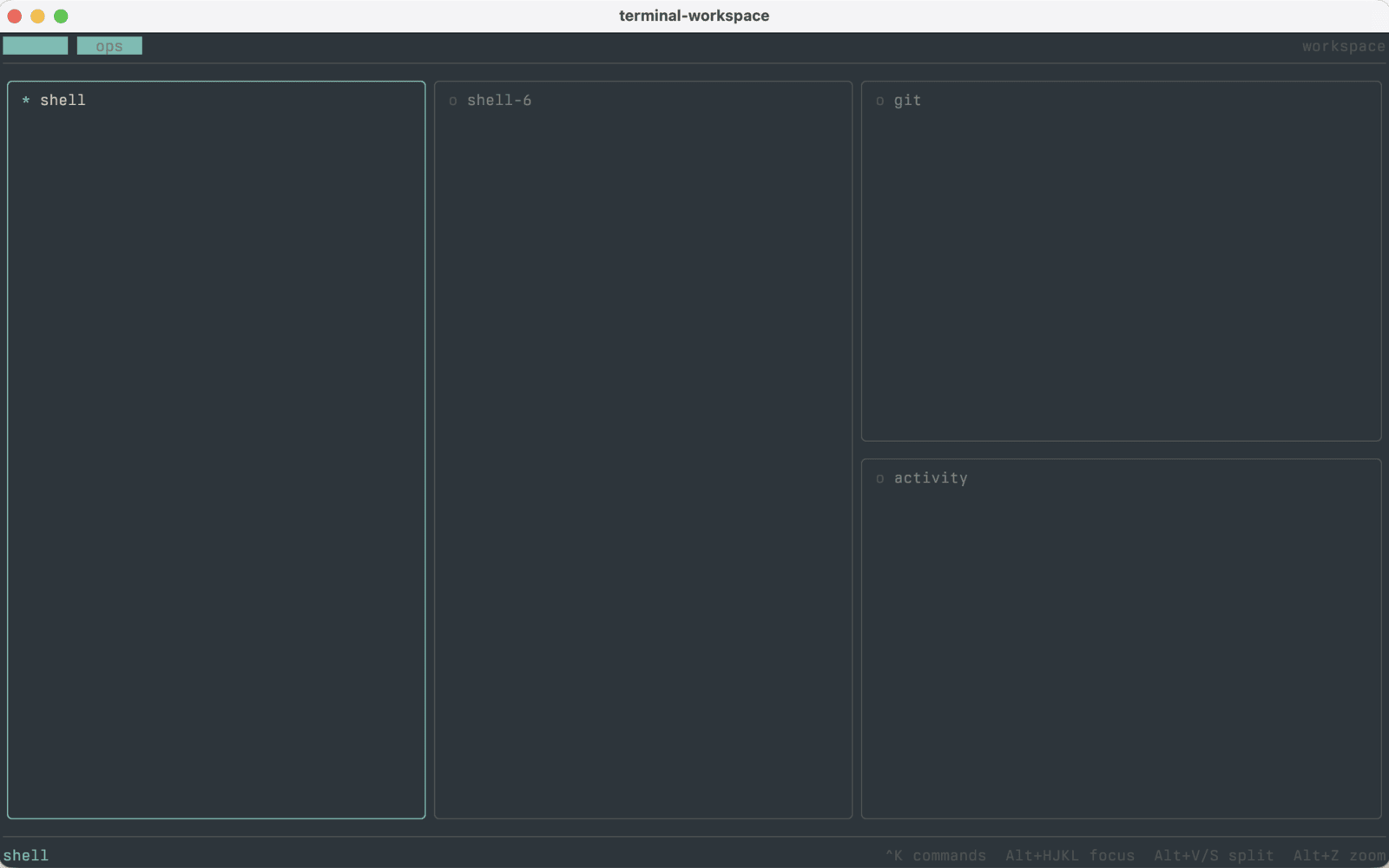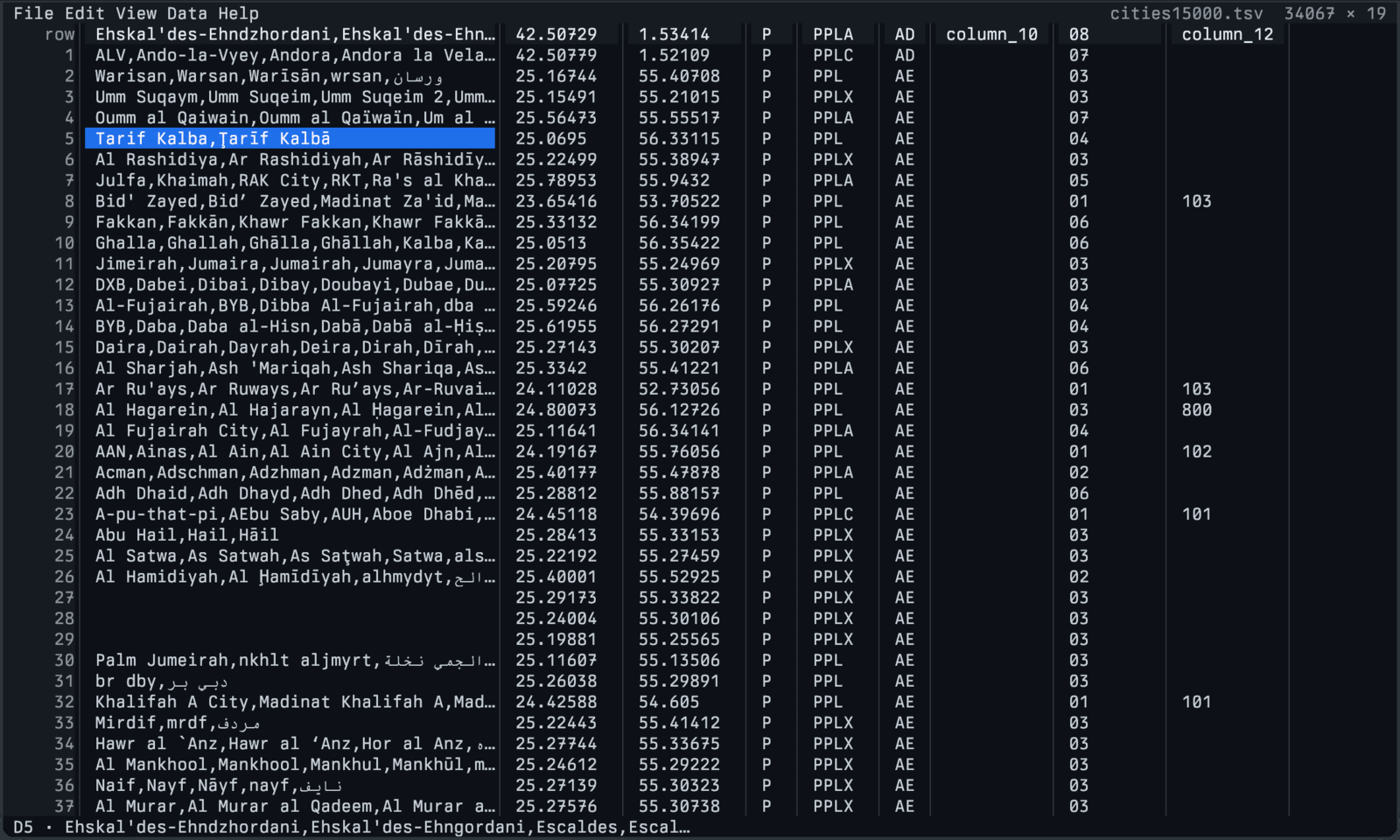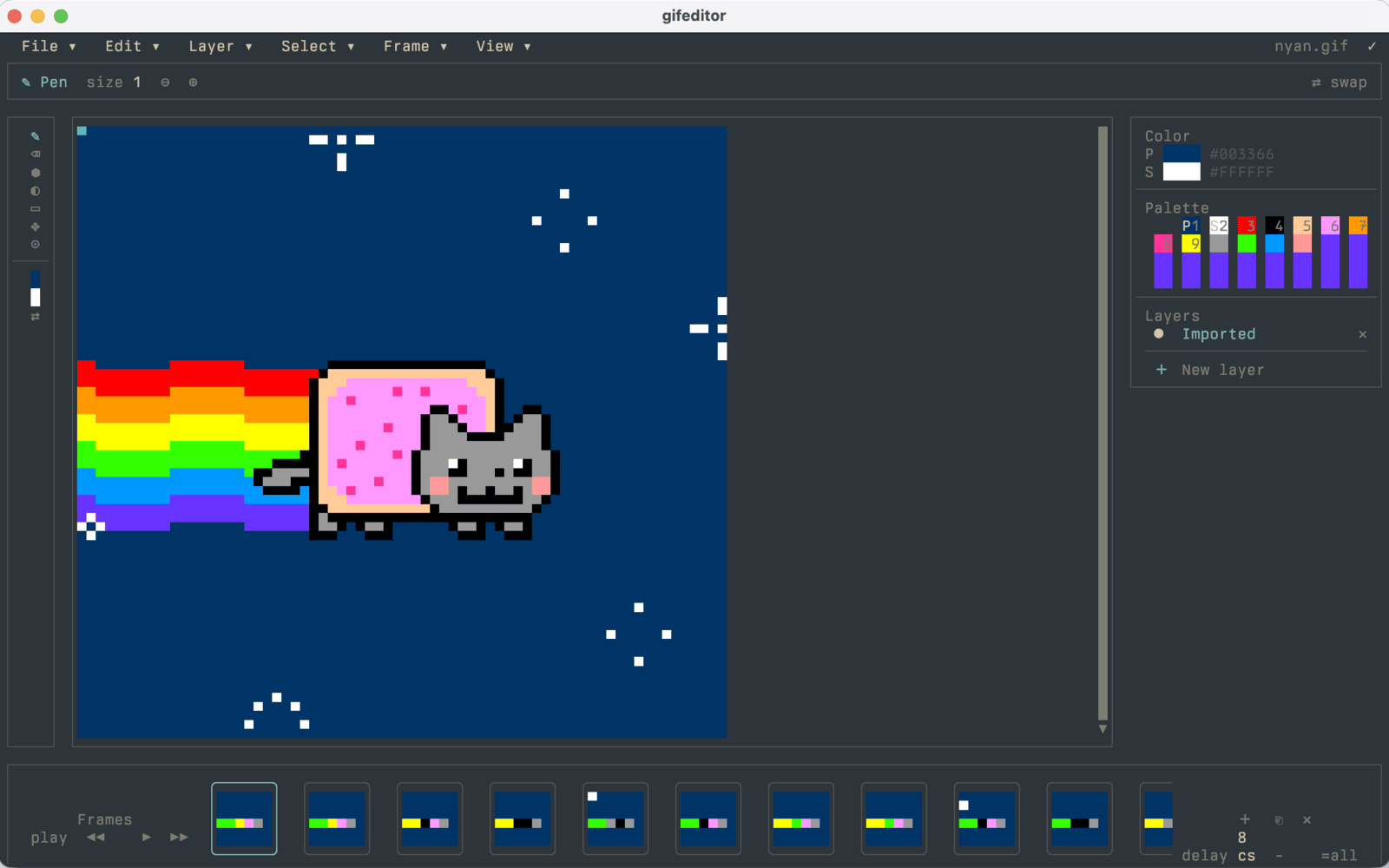
0.1.0 beta · live demo below

SwiftUI semantics,
drawn in terminal cells.

Author your App once. Ship it as a terminal executable, a static WASI bundle, a localhost WebHost, or embedded inside a native SwiftUI or Android surface — the same View tree, the same @State, the same @FocusState. Under the hood, SwiftTUI lowers SwiftUI-shaped views through a strict seven-phase pipeline — no global solver, no virtual DOM, no curses.

Package.swift · swift-tools-version: 6.3 · quickstart →
// add to dependencies
.package(
  url: "https://github.com/SwiftTUI/swift-tui",
  .upToNextMinor(from: "0.1.0")
)

// add to your executable target
.product(name: "SwiftTUI", package: "swift-tui")
$ run anywhere · one source · five hosts
# terminal executable
swift run CounterApp

# localhost browser (WebHost)
swift run CounterApp --web

# static WASI bundle for browser deploy
swift build --swift-sdk wasm32-wasi

# embed the same Scene inside a native SwiftUI app
// import SwiftUIHost
// let state = try SwiftUIHostAppState(app: CounterApp())
// SwiftUIHostAppView(state: state)

# host inside an Android app — arm64-v8a
// SwiftTUIAndroidHost → Jetpack Compose host view
// SwiftTUIHostView(state = rememberSwiftTUIHostState())
  • requiresSwift 6.3 · macOS 15+ / iOS 18+ package platforms · Linux / WASI / Android arm64 paths
  • stability0.1.0 beta · source-breaking changes may land before 1.0
  • runs interminal · WASI browser package · localhost WebHost · SwiftUI host · Android host
/00Why this exists

Built to take SwiftUI's authoring model to places SwiftUI doesn't ship.

Most TUI frameworks invent a new authoring model for the terminal. SwiftTUI keeps the SwiftUI authoring model and reinterprets the substrate. Same proven View, @State, @FocusState, PreferenceKey, Layout protocol, and gesture system — drawn as integer-cell glyphs instead of CoreAnimation layers.

  1. 01

    SwiftUI semantics, not just its vibe

    Recursive parent-child layout. Graph-scoped state drives rendering, not the reverse. Modifier order matters because modifiers participate in layout and semantics. The terminal target does not bend the authoring story.

    @MainActor · View · @State · Layout
  2. 02

    One app. Five host products.

    The same App and Scene declarations can feed a terminal executable, a WASI browser deployment, a localhost WebHost launch, a native SwiftUI surface, or a native Android surface. The framework drives the cells; the host owns the chrome.

    SwiftTUI · SwiftTUIWASI · SwiftTUIWebHost · SwiftUIHost · SwiftTUIAndroidHost
  3. 03

    Strict, inspectable pipeline

    Seven phases — resolve, measure, place, semantics, draw, raster, commit — stay visible through DefaultRenderer and FrameArtifacts. Inspect a frame if you need to understand layout, routing, or final cells.

    DefaultRenderer · FrameArtifacts
  4. 04

    Capability-aware, not lowest-common-denominator

    ANSI, sanitized OSC 8 hyperlinks, Kitty graphics, Sixel, truecolor, and mouse reporting are negotiated per session against a live capability profile. PNG and baseline JPEG decode in pure Swift; GIF playback ships in the SwiftTUIAnimatedImage peer product.

    TerminalCapabilityProfile
  5. 05

    Swift 6 library, normal app code

    SwiftTUI builds with Swift 6 language mode, explicit @MainActor authoring APIs, and Sendable frame artifacts. Your app can consume the package without copying those build settings.

    Swift 6 · @MainActor View.body · SwiftPM package
  6. 06

    No dependencies on a terminal emulator

    The browser path does not embed xterm.js or a DOM terminal. WebHost mounts a scene runtime directly. Tests render frames as integer-cell rasters without spinning up a TTY.

    WebHost · RasterSurface · no xterm.js
/01Where SwiftTUI sits

One author surface. Five hosts.

One declarative View tree, rendered to five hosts — a terminal, a native SwiftUI surface, an Android Compose surface, a localhost WebHost, and a static WASM bundle. Both browser paths paint to the DOM with a real accessibility tree, not a terminal emulator. Here's how that surface area lines up against other modern TUI frameworks: the first two columns are common ground, the last four are where the same source travels. The columns are capability axes, not the five hosts — the hosts collapse into the embed and browser columns.

framework Terminal renderingDeclarative UIPointer & gesturesNative app embedServed to browserStatic WASM build
SwiftTUI ✓ SwiftUI-shaped✓ tap·drag·hover✓ SwiftUIHost · Android✓ WebHost · DOM✓ WASI · DOM
Bubble Tea (Go) ✓ Elm arch~ mouse events
Textual (Python) ✓ widgets · CSS~ mouse · hover✓ serve · xterm
Ratatui (Rust) — immediate-mode~ backend only~ Ratzilla · DOM
Ink (JS/React) ✓ React

Compared June 2026 against current releases — Bubble Tea 2.0 · Textual 8.2 · Ratatui 0.30 · Ink 7.0.  first-party · ~ partial, third-party, or raw mouse events ·  none. Ratzilla is an ecosystem crate; Textual's browser host streams a server-side process through xterm.js. SwiftTUI's Android embed runs on arm64-v8a through the official Swift Android SDK.

/02Frame pipeline

Seven phases. Strict order.

Layout is recursive parent-child negotiation, not a global solver. Graph-scoped state drives rendering, not the reverse. The runtime keeps each phase explicit, and DefaultRenderer exposes FrameArtifacts when you want to inspect or snapshot a frame.

  1. 01 resolve

    Authored views collapse into the resolved tree.

    Resolver · ResolvedNode
  2. 02 measure

    Parents propose sizes, children choose.

    ProposedSize · MeasuredNode
  3. 03 place

    Recursive layout assigns integer-cell rects.

    PlacedNode
  4. 04 semantics

    Focus, accessibility, actions, selection, and scroll routes are extracted.

    SemanticSnapshot
  5. 05 draw

    Per-cell glyphs and styles emit as commands.

    DrawNode
  6. 06 raster

    Draw commands become a styled cell grid.

    RasterSurface
  7. 07 commit

    Lifecycle and handler work are packaged for the runtime.

    CommitPlan
resolve · measure · place · semantics · draw · raster · commit ·
Read the pipeline guide →
/03Launch and host products

Authored once. Run through the host you choose.

The same App and Scene declarations flow into terminal-native binaries, browser deployments built with SwiftTUIWASI, localhost browser sessions through SwiftTUIWebHost, retained native scenes through SwiftUIHost, and host-managed Android surfaces through SwiftTUIAndroidHost. The framework owns the cells; each host owns its chrome.

native SwiftTUI · SwiftTUICLI

Terminal-native

RunLoop over the alternate screen. ANSI / sanitized OSC 8 hyperlinks / Kitty / Sixel negotiated against the live capability profile. Unix signal handling, mouse reporting, and pty-backed secondary scenes ship by default.

import SwiftTUI

@main struct DemoApp: App {
  var body: some Scene {
    WindowGroup("Deploy Dashboard") {
      BuildSummary()
    }
  }
}
  • terminal convenience product ships from the root package
  • WebHost support is compile-time opt-in
wasi SwiftTUIWASI · @swifttui/web

Browser, via WASI

Build the same target to wasm32-wasi. The WASIRunner emits a scene manifest the host loads through @swifttui/web — no terminal emulator, no xterm.js, no postMessage shim.

// build
swift build --swift-sdk swift-6.3.1-RELEASE_wasm \
  --target WebExampleApp

// host
await createWebHostApp({
  manifestUrl: "./scene-manifest.json",
  sceneRuntimeFactory: createWasmSceneRuntimeFactory(...)
})
  • requires COOP: same-origin · COEP: require-corp
embed SwiftUIHost

Inside SwiftUI

Retain SwiftTUI scenes inside a native SwiftUI app shell. Theme tokens swap at runtime; the authored TUI does not branch on the host style.

let state = try SwiftUIHostAppState(
  app: DemoApp(),
  style: .default
)
SwiftUIHostAppView(state: state)
embed SwiftTUIAndroidHost

Inside Android

Host the same scenes in a Jetpack Compose view. The Swift runtime keeps layout, focus, and accessibility semantics; the Kotlin side paints styled cells and images on an Android Canvas and bridges keys and touch back into SwiftTUI input.

// Jetpack Compose host view
val state = rememberSwiftTUIHostState()
SwiftTUIHostView(
  state = state,
  modifier = Modifier.fillMaxSize()
)
embed SwiftTUIWebHost

Localhost browser host

Native binaries can opt into --web routing. The runner serves the bundled browser runtime over localhost and carries frames through the shared web-surface protocol.

import SwiftTUIWebHostCLI

@main struct DemoApp: App {
  // normal launch: terminal; --web: browser host
}
/04Public surface

A deliberate subset of SwiftUI.

Layout, state, focus, gestures, and presentation — plus the runtime and scene types that drive them, and a peer charts product. The full per-symbol reference lives in the DocC catalogs.

AUTHORING

Layout & containers

  • VStack · HStack · ZStack · Spacer · Divider
  • LazyVStack · LazyHStack · ScrollView
    viewport-lazy placement
  • List · OutlineGroup · Table · Section · GroupBox
  • Layout · AnyLayout · ViewThatFits · GeometryReader
    public protocol for custom layout

Controls & primitives

  • Text · TextFigure · Label · Image
    FIGlet figures · PNG / JPEG / GIF images
  • Gestures · Button · Link · Toggle · Slider · Stepper
    sanitized OSC 8 hyperlinks when supported
  • TextField · TextEditor · SecureField · Picker · Menu
  • ProgressView · DisclosureGroup · ControlGroup

Presentation & workflow

  • alert · confirmationDialog · sheet · popover · toast
    terminal-native modal & non-modal surfaces
  • paletteSheet · Panel · .keyCommand · .paletteCommand
    action scopes and commands
  • .toolbar · .toolbarItem

State · observation · focus

  • @State · @Binding · @Bindable
    graph-scoped invalidation and observation
  • @FocusState · @FocusedValue · @FocusedBinding
  • @Environment · PreferenceKey · anchor preferences
RUNTIME · SCENES · CHARTS

Runtime & scenes

  • DefaultRenderer · FrameArtifacts
    snapshot rendering and frame inspection
  • RunLoop · TerminalHost · TerminalCapabilityProfile
    capability-aware interactive sessions
  • App · Scene · WindowGroup · TabView
    @MainActor scene declarations
  • SceneManifest · HostedSceneSession
    retained hosted sessions for host packages
  • NavigationStack destinations
    binding-driven destination presentation
  • Pty-backed secondary scenes
    Unix-domain-socket discovery

Charts

  • BarChart · ColumnChart · StackedBarChart · ComparisonChart
  • LineChart · Sparkline · Timeline · HeatStrip · CalendarHeatmap
  • BulletChart · ThresholdGauge · Meter · Legend
/05Authoring → render

Read this and you can write SwiftTUI.

Every line is SwiftUI you already know. @main App, WindowGroup, @State, @FocusState, .onAppear — no new mental model. SwiftTUI lowers this exact tree through its render pipeline into the integer-cell output on the right.

CounterApp.swift innerHalfBlock · padded
import SwiftTUI

@main struct CounterApp: App {
  var body: some Scene {
    WindowGroup("Counter") {
      CounterView()
    }
  }
}

struct CounterView: View {
  @State private var count = 0
  @FocusState private var focused: Bool

  var body: some View {
    VStack(spacing: 1) {
      Text("Count: \(count)").bold()
      Button("Increment") { count += 1 }
        .focused($focused)
    }
    .onAppear { focused = true }
    .padding(2)
    .border(set: .innerHalfBlock)
    .padding()
  }
}
TerminalSurfaceRenderer simulated
▗▄▄▄▄▄▄▄▄▄▄▄▄▄▄▄▖
Count: 0
Increment
▝▀▀▀▀▀▀▀▀▀▀▀▀▀▀▀▘
Interaction simulated in JS — run the live WASM build →
/06Quickstart

Two files. One swift run.

No code generators, no build scripts, no binaries to download — just SwiftPM. Copy the two files below into a new directory and run it.

prereq A Swift 6.3 toolchain on PATH — install it however you already manage Swift.

  1. 01
    create the package A Package.swift with one dependency on SwiftTUI and one executable target.
  2. 02
    author an @main App A struct conforming to App, with a Scene built from the SwiftUI-shaped primitives you already know.
  3. 03
    swift run Standard SwiftPM. Your app takes the alternate screen until you exit.
~/Projects/HelloTUI
# build & run — your app owns the terminal until you exit
$ swift run HelloTUI
 alternate screen opens
 resolve · measure · place · semantics · draw · raster · commit
 press Ctrl-D to exit — your shell is restored
Package.swift swift-tools-version: 6.3
// swift-tools-version: 6.3
import PackageDescription

let package = Package(
  name: "HelloTUI",
  dependencies: [
    .package(
      url: "https://github.com/SwiftTUI/swift-tui",
      .upToNextMinor(from: "0.1.0")
    ),
  ],
  targets: [
    .executableTarget(
      name: "HelloTUI",
      dependencies: [
        .product(name: "SwiftTUI", package: "swift-tui"),
      ]
    ),
  ]
)
Sources/HelloTUI/HelloTUI.swift @main · terminal-native
import SwiftTUI

@main struct HelloTUI: App {
  var body: some Scene {
    WindowGroup("Hello") {
      VStack(alignment: .leading, spacing: 1) {
        Text("Hello, terminal.").bold()
        Text("Press Ctrl-D to quit.")
          .foregroundStyle(.muted)
      }
      .padding(1)
    }
  }
}

Targeting the browser? Pass --swift-sdk for a wasm SDK on the same swift build — the authoring code is unchanged. Embedding in a host app? Retain a HostedSceneSession through SwiftUIHost, or add SwiftTUIWebHostCLI for a localhost browser launch. Shipping to Android? SwiftTUIAndroidHost drives a Jetpack Compose host view from the same scene declarations on arm64-v8a. Same App body, every target.